Category: Tutorials
-
how to Prepare an android app for release in flutter
how to Prepare an android app for release in flutter? Step 1 : First review the app manifest file in case of flutter you will get app manifest file here at location <app dir>/android/app/src/main step 2 : Please check your package name this will be your app unique id in playstore ( How to change…
-
How to Remove the System Volume Information Folder from a Pen Drive
First You note the drive letter in the pendrive For example G: or L: or F: Open Command Prompt (search cmd or press Windows Key+R).Open command prompt (Run as administrator)Now we type drive letter G: and hit the enter Now we will type in command prompt rmdir “system volume information” /s /q and hit enter. After this…
-
How to remove pendrive shortcut virus from USB and Computer
Open command prompt (Run –> cmd) and go to your USB drive. For example, if Your USB drive is “ G ” drive, You will need to type G: in command prompt and hit the enter key. This will take you to the USB drive inside the command prompt. Run the following command: del *.lnk…
-
Refer & Earn Terms and Conditions
TERMS AND CONDITIONS TERMS OF USE:- By downloading, browsing, accessing or using Refer & Earn mobile application (“Mobile Application”), you agree to be bound by these Terms and Conditions of Use. We reserve the right to amend these terms and conditions at any time. If you disagree with any of these Terms and Conditions of…
-
My Data Terms and Conditions
TERMS AND CONDITIONS TERMS OF USE– By downloading, browsing, accessing or using My Data mobile application (“Mobile Application”), you agree to be bound by these Terms and Conditions of Use. We reserve the right to amend these terms and conditions at any time. If you disagree with any of these Terms and Conditions of Use,…
-

How to change launcher icon in flutter?
How to change launcher icon in flutter? To change the launcher icon, open the ‘pubspec.yaml‘ file in your project. Under ‘dev_dependencies’ enter launcher icon package dependency as shown below. Click here to know the latest version of Launcher Icon. dev_dependencies: flutter_launcher_icons: “^0.7.0” Now write as shown below starting with ‘flutter_icons’: flutter_icons:…
-
How to change package name in flutter?
How to change package name in flutter? We will start by changing the Android App Name first: Open this file ‘AndroidManifest.xml‘ in your project and enter required name in front of ‘android:label’: <application android:name=”io.flutter.app.FlutterApplication” android:label=“EnterAppNameHere” Now we change the Package Name: In the same file ‘AndroidManifest.xml‘ inside below mentioned line enter package name…
-
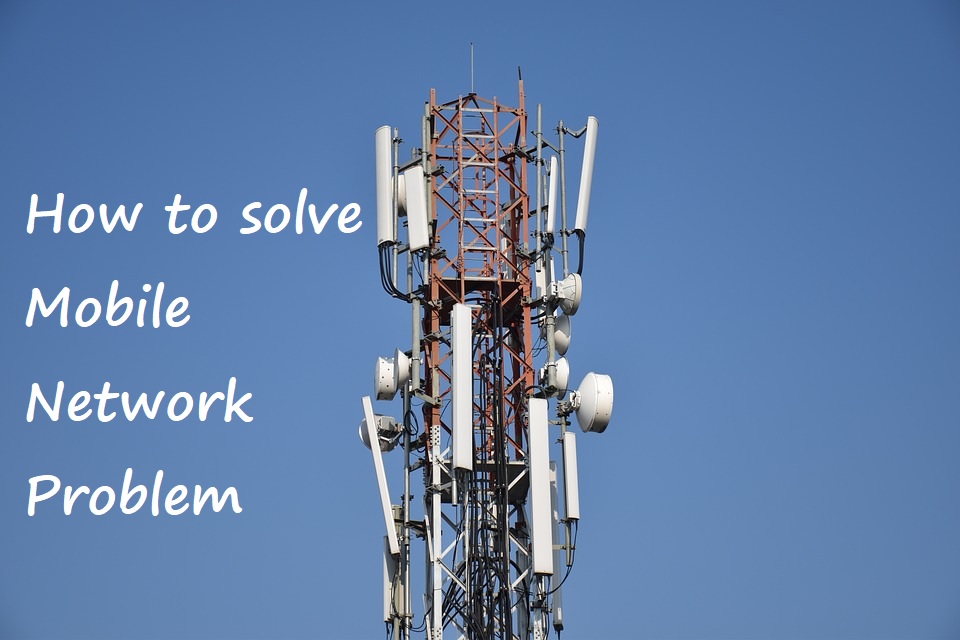
How to solve Mobile Network problem
How to solve Mobile Network problem? Weak signal strength and out of coverage area are the daily problems we face every day but every time we blame mobile operator companies for this and never understand our own mobile is also responsible for this problem. So here we will understand how we can sort out this…
-
HTTP Error 503. The service is unavailable. SOLVED
HTTP Error 503. The service is unavailable. Many times while working with software we get this error on our browser. To overcome this problem please find the solution for it below. Step 1. Open the IIS(Internet Information Services) Manager by typing ‘IIS’ in search button and press Enter. You will see Internet Information Services Manager…
-
Smartphone Battery drained because of Android System
Smartphone Battery drained because of Android System. Many people are unknown to this fact that most of their battery is used up by Android. In what ways the Android System spoils your battery power, have a look here: When many apps are open on your phone in the background and you have not closed them,…