First You note the drive letter in the pendrive For example G: or L: or F:

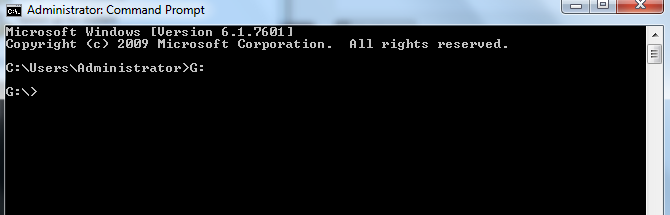
Open Command Prompt (search cmd or press Windows Key+R).Open command prompt (Run as administrator)Now we type drive letter G: and hit the enter
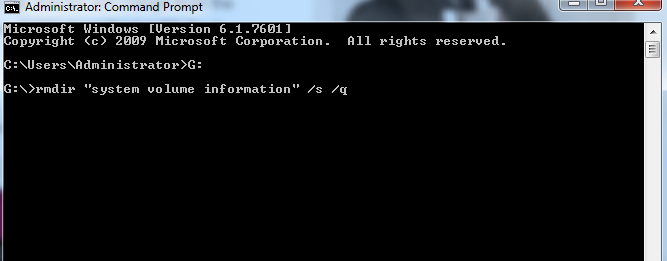
Now we will type in command prompt rmdir “system volume information” /s /q and hit enter.
After this process we will open pendrive or flashdrive and confirm that the folder is no longer present.